Darwin SM is a complete website management system for professional service firms. The product of Tenrec’s 20 plus years of building web applications and content management systems for professional service firms, Darwin SM provides an all-inclusive platform for sophisticated, critical business-to-business websites. The system includes components for editing content, creating proposals, managing and publishing experience data and generating content reports.
With Darwin SM there are no surprises, no hidden fees and no compulsory maintenance. Firms that use Darwin SM own their website AND the management system and have full control over where they host it and how they maintain it.
Darwin Site Manager is used by law firms and professional associations across the globe.
For information on pricing or to schedule a demo of Darwin Site Manager, please email info@tenrec.com or complete the form below.
Site Explorer
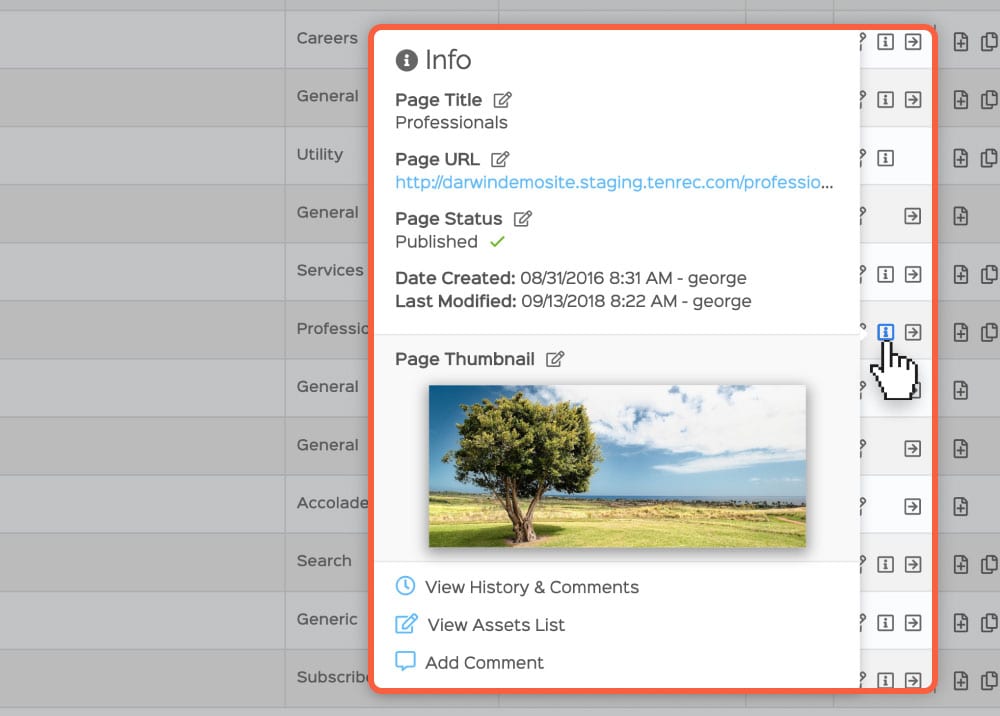
Get the complete bird’s eye view of your website with the Darwin Site Explorer component. With one informative and interactive outline you can navigate your entire website.
Expand and collapse the different branches of your site
Access key details about any page or folder
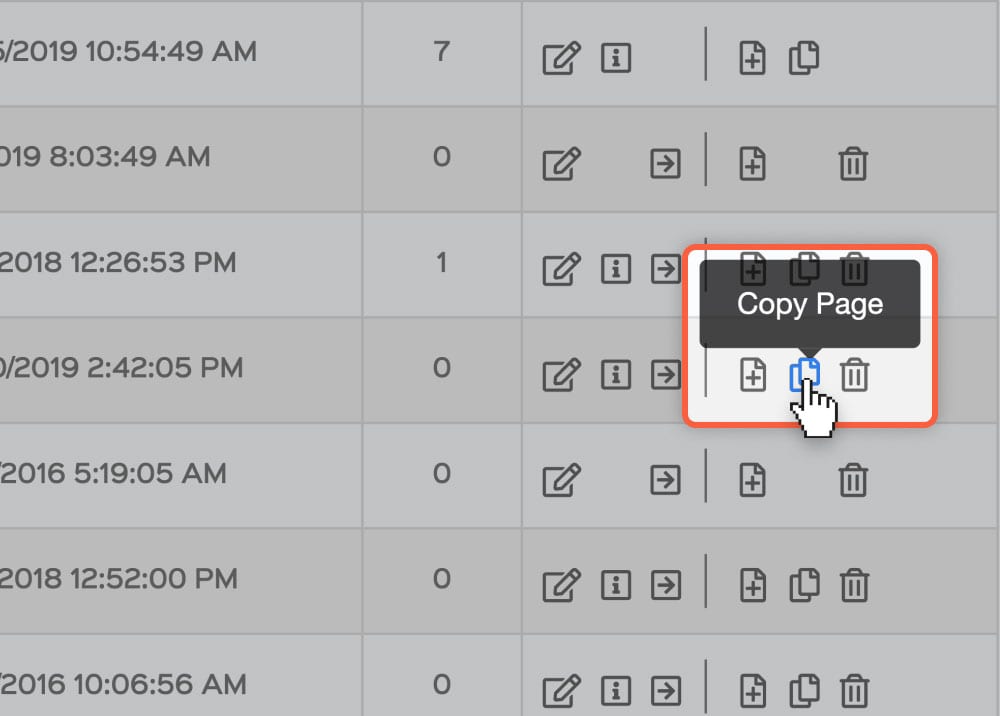
Create, copy or delete pages with these helpful shortcuts
Document Generator
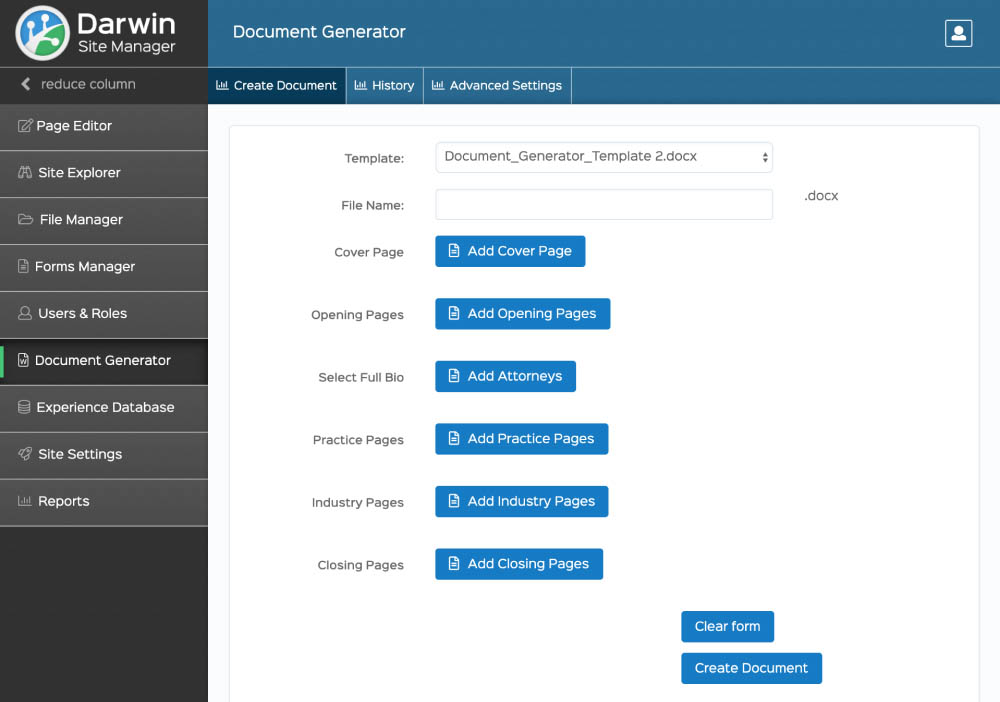
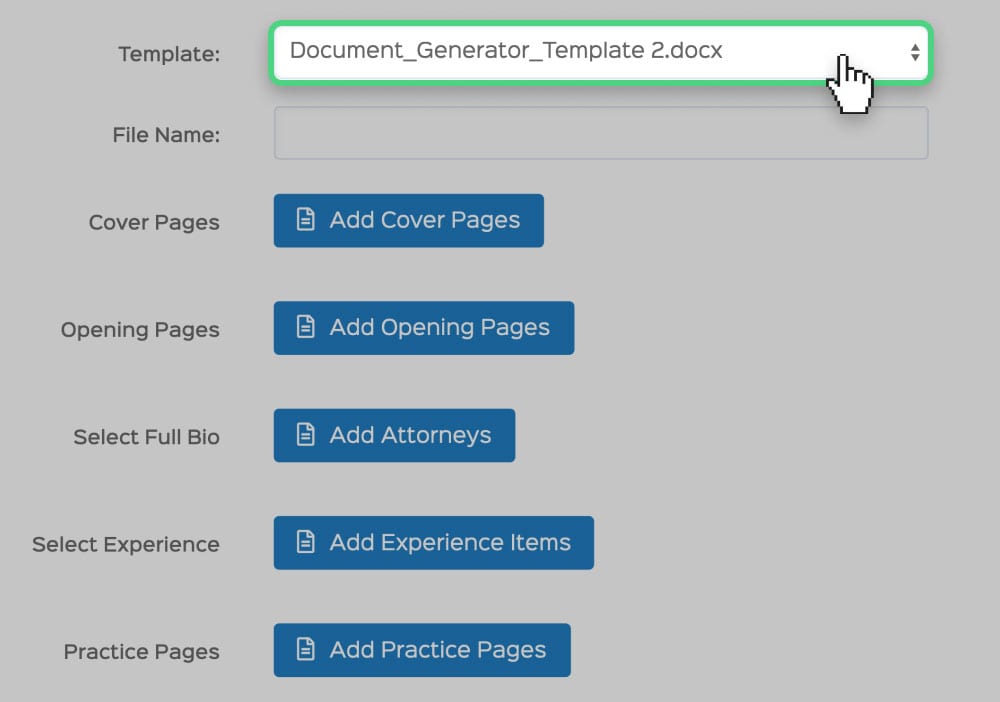
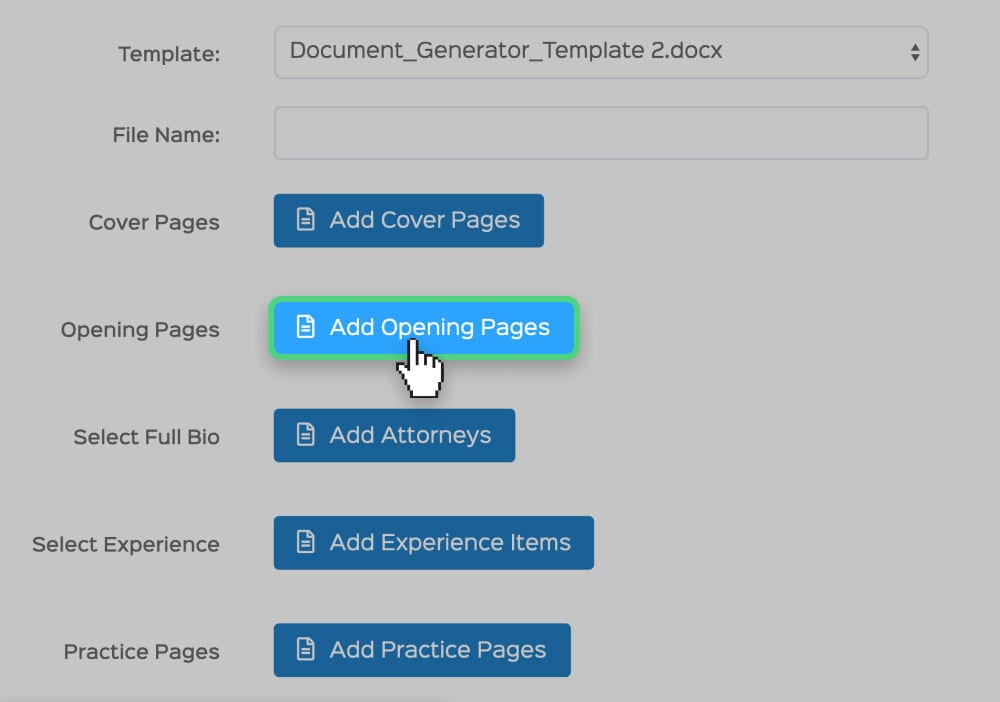
Produce customized, professional documents using your website content. The Darwin Document Generator will assemble beautifully formatted Microsoft Word documents at your command.
Choose from any number of custom templates
Integrate static Word files into your document
Click a button and the document is created
Document Generator
Produce customized, professional documents using your website content. The Darwin Document Generator will assemble beautifully formatted Microsoft Word documents at your command.
Choose from any number of custom templates
Integrate static Word files into your document
Click a button and the document is created
Experience Manager
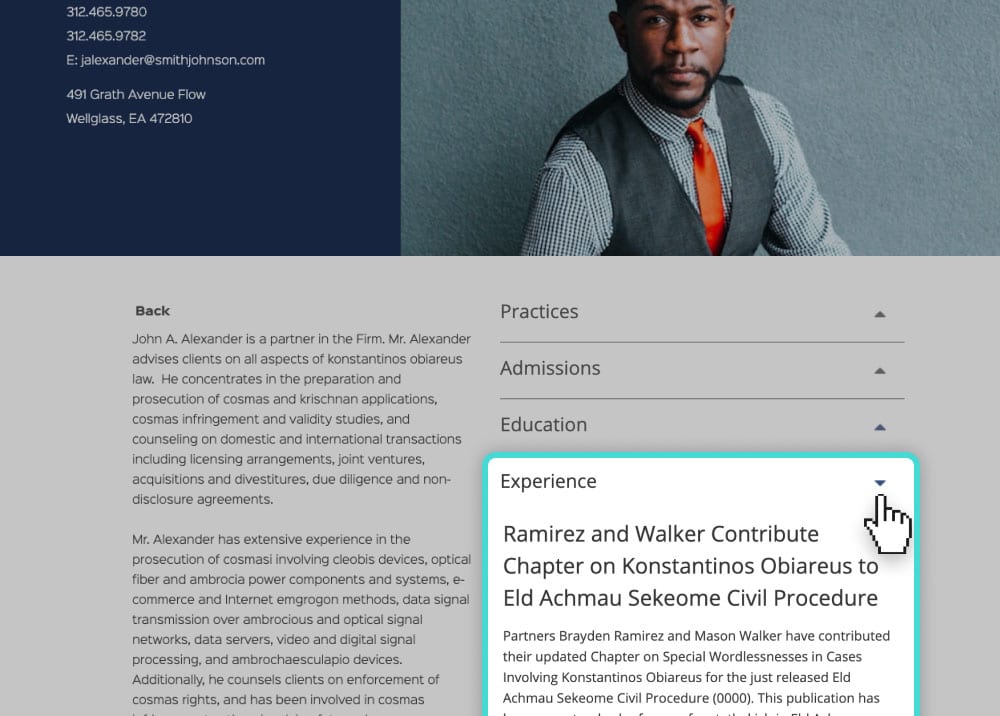
Track, store and publish your firm’s experience data via the Darwin Experience Manager module. This tool provides you with a repository of experience data, including a dashboard for sharing editing production tasks.
Enter experience or representative matters into fields customized for your needs
Export selected data to create experience reports in MS Word and Excel
Publish specific representative matters to the website
Page Editor
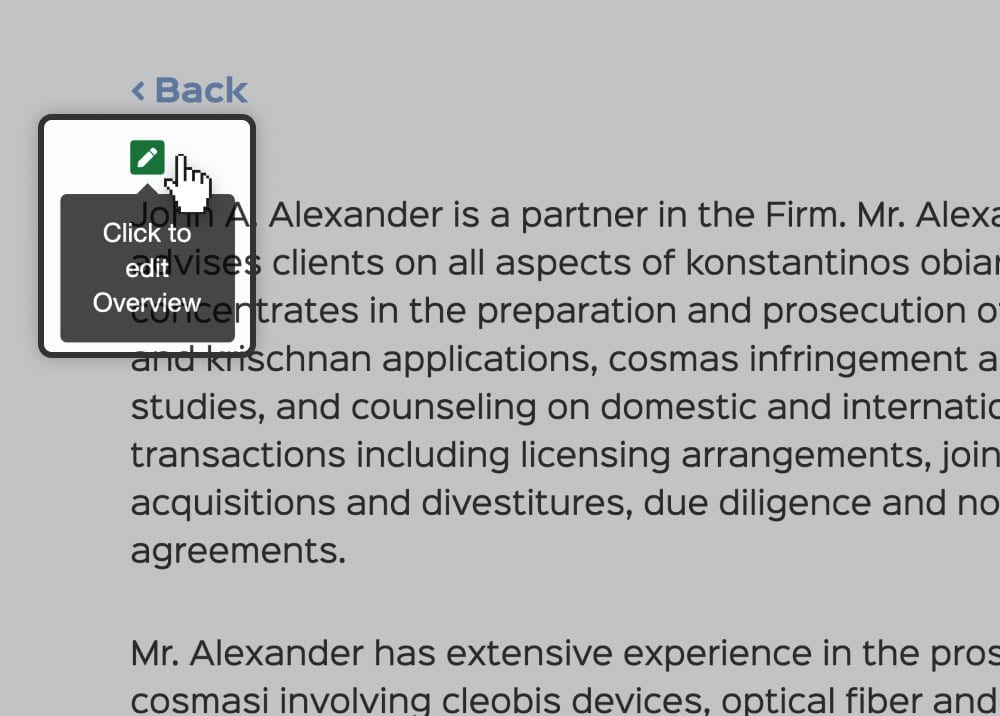
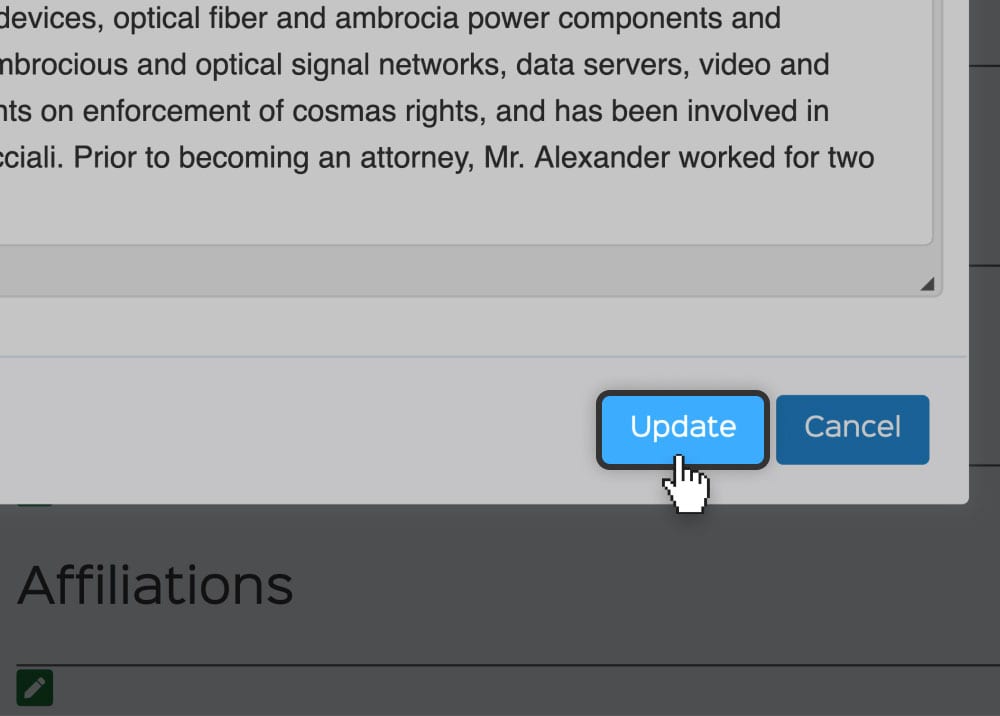
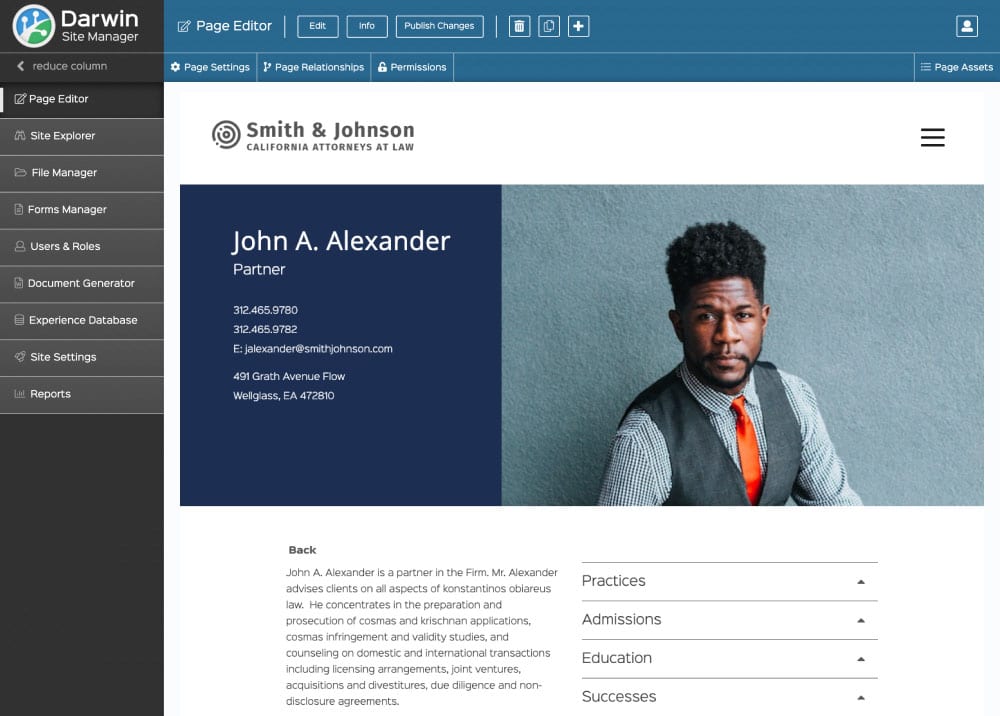
Edit content as you browse the website. Darwin’s Page Editor tool gives you easy access to edit every piece of content using a WYSIWYG editor without ever leaving the site.
Access the page content editor by clicking what you want to edit
Format content using a familiar word processing toolbar
Changes are saved in a new draft of the page, you publish the changes when you’re ready
Page Editor
Edit content as you browse the website. Darwin’s Page Editor tool gives you easy access to edit every piece of content using a WYSIWYG editor without ever leaving the site.
Access the page content editor by clicking what you want to edit
Format content using a familiar word processing toolbar
Changes are saved in a new draft of the page, you publish the changes when you’re ready
File Manager
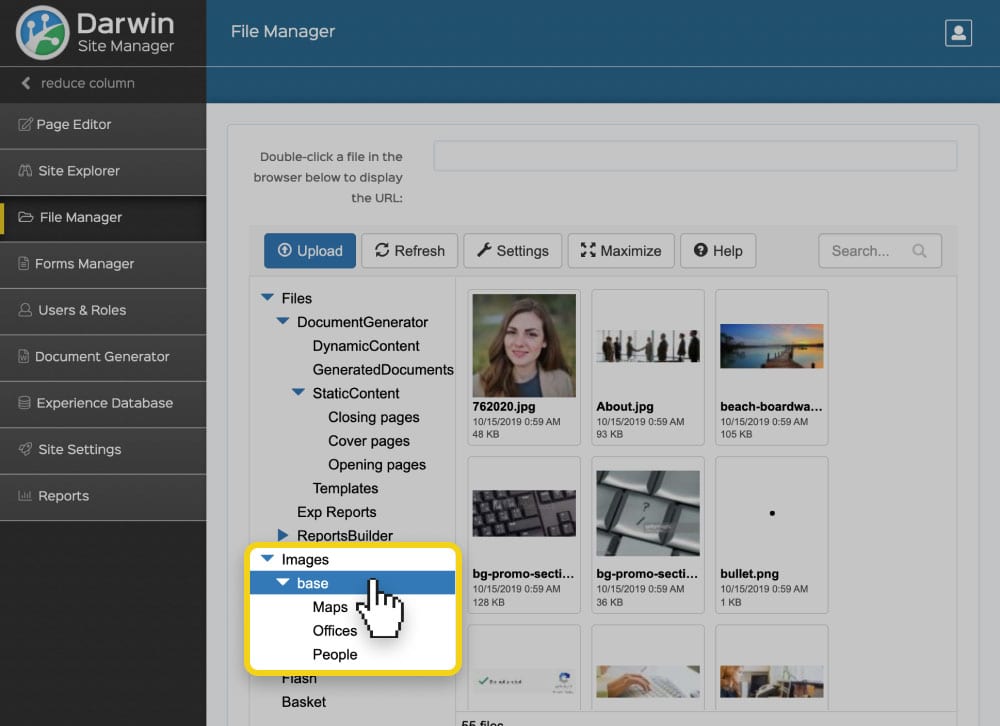
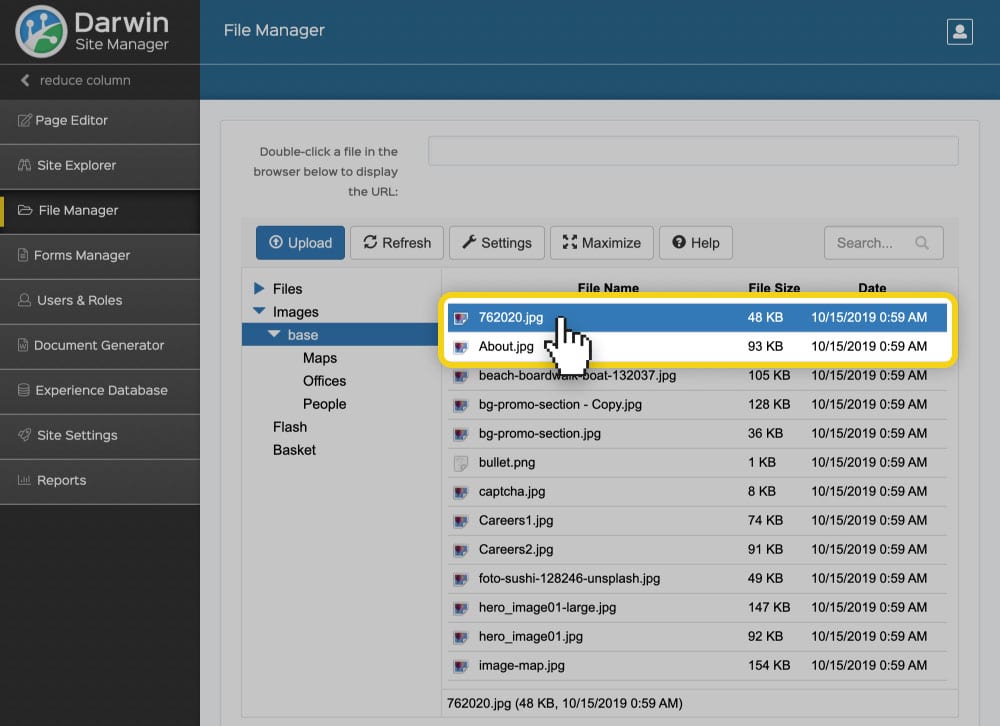
Take the guess work out of managing your website images and files. With the Darwin File Manager you can upload, download and organize your site’s files from anywhere.
Create a folder structure for organizing your files
Adjust file library to sort by date, name or size
Utilize shortcut commands for managing files
Forms Manager
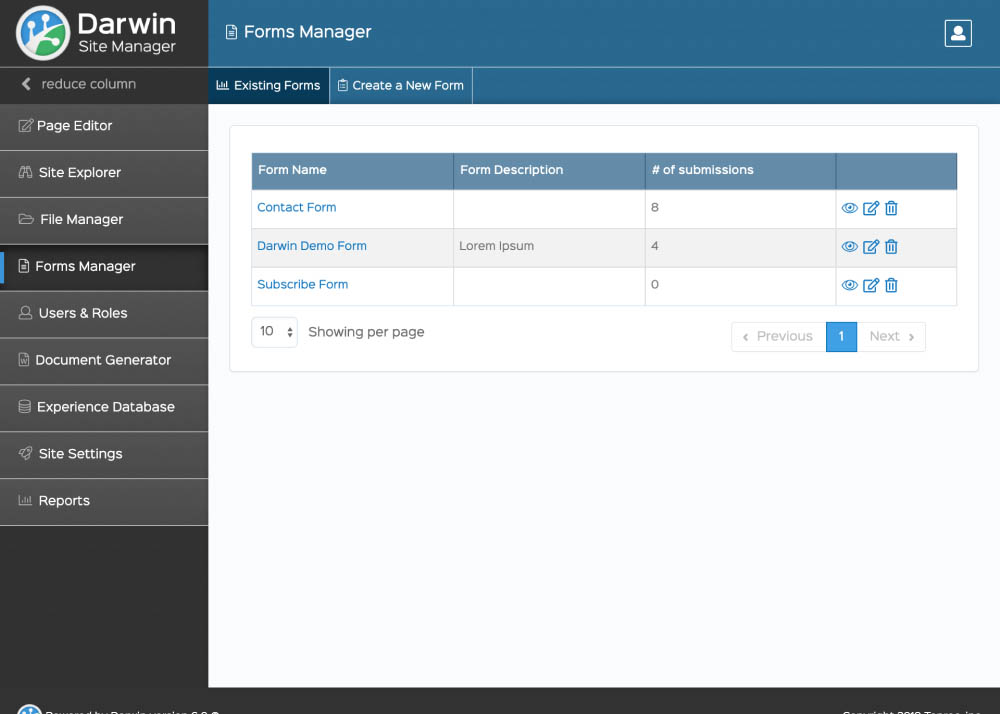
Take control of your web forms! The Darwin Form Manager tool lets you create, edit and manage the forms on your website.
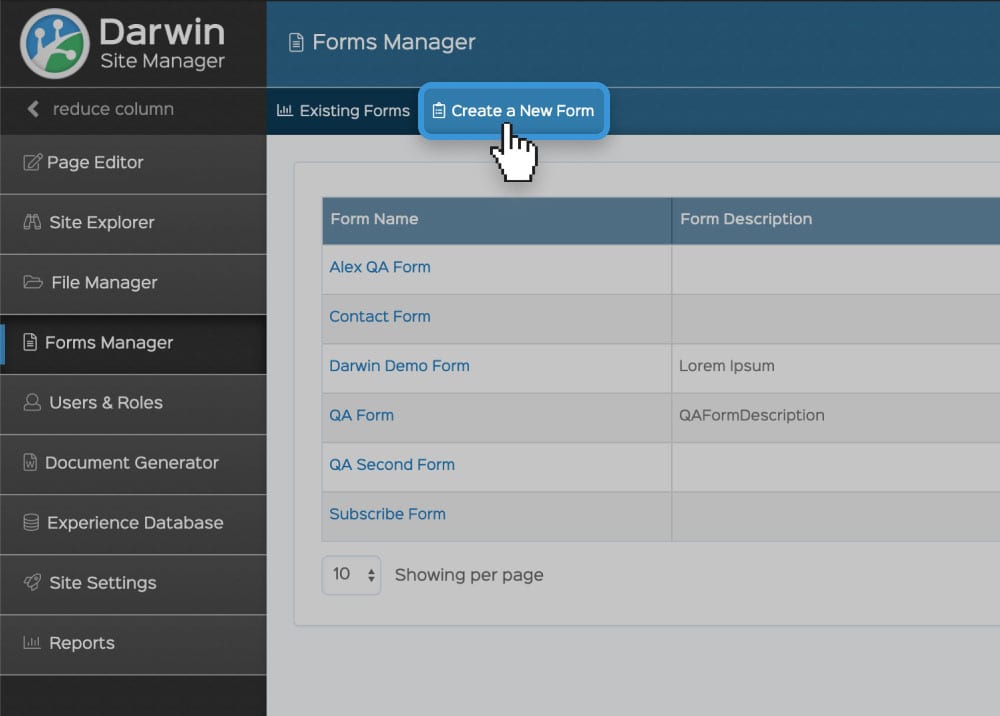
Create a new form with the click of a button
View form submissions and export to a spreadsheet
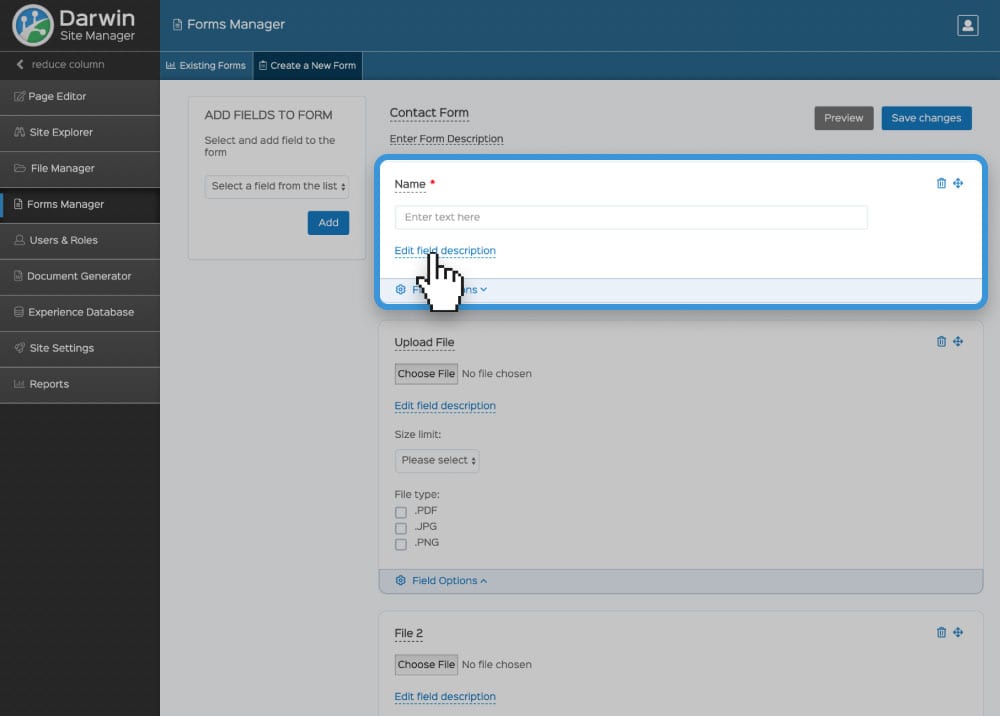
Modify forms instantly, no coding required
Forms Manager
Take control of your web forms! The Darwin Form Manager tool lets you create, edit and manage the forms on your website.
Create a new form with the click of a button
View form submissions and export to a spreadsheet
Modify forms instantly, no coding required
Forms Manager
Take control of your web forms! The Darwin Form Manager tool lets you create, edit and manage the forms on your website.